On this page
Overview
- A per-area price is useful only when the scope and acceptance criteria match.
- Disciplines, geometry, information, review cycles and input quality can all change the effort.
- Compare the model fee with recorded project outcomes, without assuming a fixed return.
BIM modeling prices depend on the information you need and the work required to produce it. Geometry, disciplines, coordination and review effort all affect the quote. This guide explains what to specify so you can compare prices for the same deliverables.
Build a comparable scope
Scroll sideways to compare
| Scope | Define before pricing | Commercial check |
|---|---|---|
| Single-discipline architecture | Purpose, elements, information need, sheets | Same inputs, reviews, outputs |
| Architecture + structure | Interfaces, analysis inputs, authority roles | Same design and review responsibility |
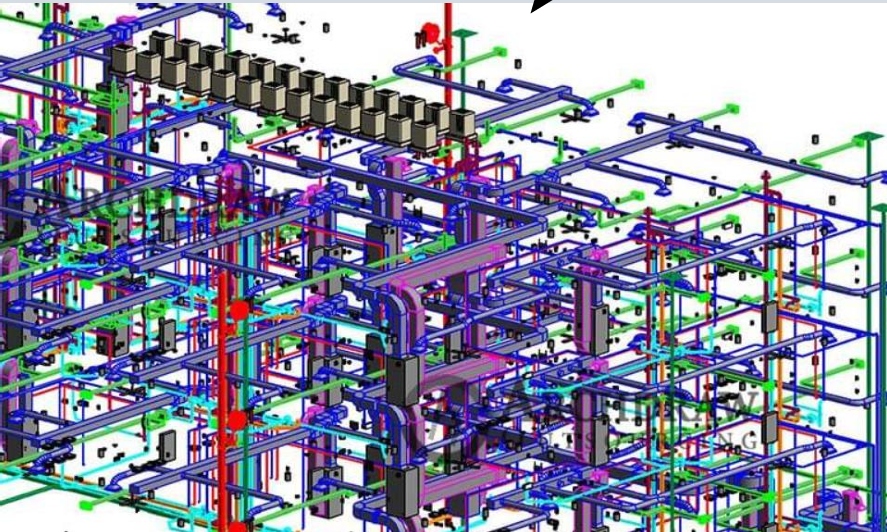
| MEP coordination model | Systems, zones, clash rules, issue cycles | Same coordination and acceptance scope |
| Fabrication-facing MEP | Detail, supports, content, responsibility boundaries | Same fabrication and approval assumptions |
| Industrial or plant | Equipment, piping, data, density, codes, hazardous areas | Separate complexity and discipline assumptions |
The price drivers
- Model development: define geometry and interfaces by element, plus the attributes and checks required for its intended use.
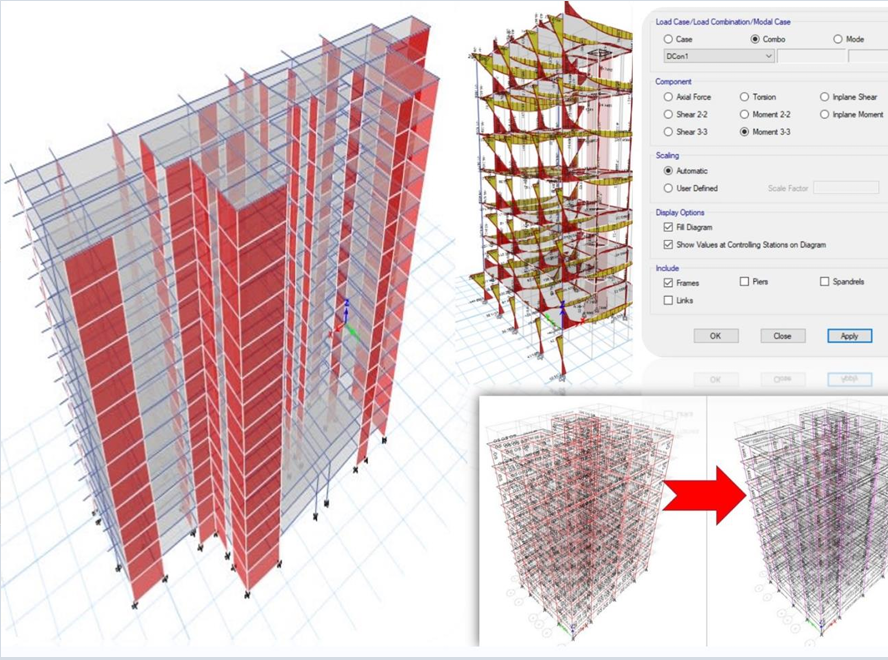
- Disciplines: each added discipline (structural, MEP, fire, FF&E) adds modeling and coordination scope.
- Complexity: geometry, congestion, and unusual systems raise effort.
- Standards & deliverables: modeling to a strict BIM standard with defined outputs (IFC, COBie, 2D sheets) adds scope but adds value.
Define the model you need
The BIM scope should follow the intended model uses. Spetia can define information need by system, coordination rules, formats, review stages, and acceptance criteria, then provide a project-specific quote with assumptions and exclusions.
Technical references
Sources for the definitions and design context discussed here. Check the applicable edition and project requirements before using them in design.
- 01
- 02
Frequently asked questions
How much does BIM modeling cost per square foot?+
There is no reliable universal rate. Define model uses, information need, elements, disciplines, standards, coordination, formats, sheets, QA, reviews, programme, responsibility, location, and exclusions, then compare current project-specific quotes.
Is BIM worth the cost?+
It can create value when the model uses and information requirements support project decisions. Record coordination issues, review time, accepted outputs, RFIs, changes, and rework so the project can evaluate the result instead of assuming a return.
How do I avoid overpaying for BIM?+
Scope the model to its purpose (coordination, quantities, facilities management) and specify LOD per system rather than applying a uniform high LOD everywhere. This ensures you pay for the detail you’ll actually use.