On this page
Overview
- LOD describes the content and reliability of a model element; it is not merely a measure of visual detail.
- LOD 300 (accurate geometry and position) and LOD 350 (with interfaces to other systems) are the workhorses of coordination.
- LOD 400 supports fabrication and assembly. LOD 500 records observed existing or as-constructed conditions and is not simply a higher rung than LOD 400.
- Specify LOD per element and project phase so the team knows which details are needed for each use.
Level of Development (LOD) describes what a model element contains and how others can rely on it. It is agreed element by element for the intended use. A higher LOD does not simply mean a more detailed picture, and design stages do not automatically correspond to LOD levels.
The LOD levels
Scroll sideways to compare
| LOD | Meaning | Typical use |
|---|---|---|
| 100 | Conceptual: symbolic and approximate | Massing, early feasibility |
| 200 | Approximate geometry, size, location | Schematic design |
| 300 | Accurate geometry, quantity, position | Design development, coordination |
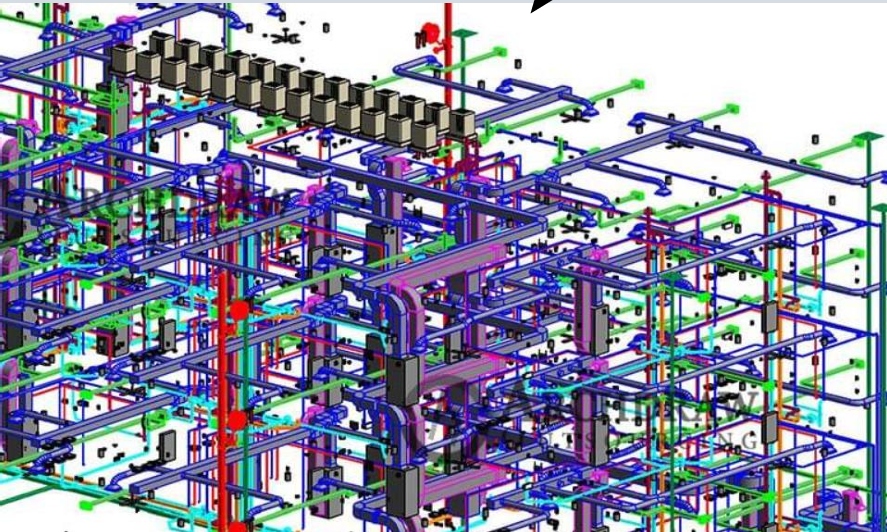
| 350 | LOD 300 + interfaces with other systems | Multi-discipline clash coordination |
| 400 | Fabrication & assembly detail | Shop drawings, prefabrication |
| 500 | Observed existing or as-constructed condition; accuracy specified separately | Record models and asset information where required |
What LOD 500 tells you
Under the BIMForum framework, LOD 500 is not the next model-development step after fabrication-level LOD 400. It identifies an element whose existing or as-constructed condition has been observed in the field. The required measurement method and accuracy must be specified separately; calling a model “LOD 500” does not by itself define survey accuracy, completeness, or suitability for facilities management.
Choosing LOD by element and phase
Set LOD by element and phase. For example, the team may need more interface detail around a congested plant room than in a context model. Also define attributes, tolerances, permitted uses and who will verify the information.
Specify the detail for each model use
Spetia can help define the model requirements by system and phase, with agreed deliverables and review criteria.
Technical references
Sources for the definitions and design context discussed here. Check the applicable edition and project requirements before using them in design.
- 01
- 02
- 03ISO 19650-1: Information management using BIM, concepts and principlesInternational Organization for Standardization